
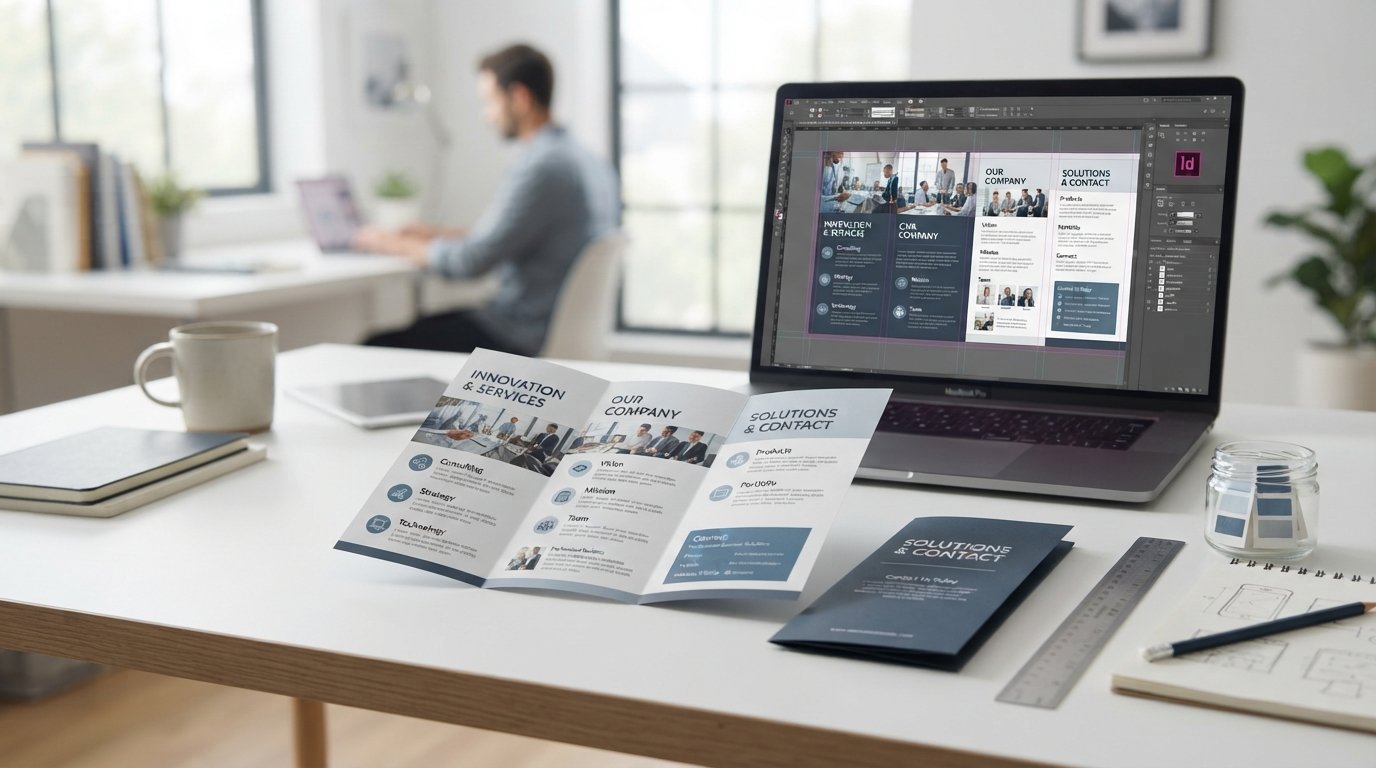
A brochure is a valuable communication tool that helps businesses, organizations, schools, and individuals present information in an attractive and organized format. It can introduce a company, promote products, explain services, advertise an event, or provide useful information to a specific audience. When designed properly, a brochure can capture attention and encourage readers to learn more.
Start With a Clear Purpose
The first step in creating a successful brochure is deciding what you want it to accomplish. A brochure should have a clear and focused purpose. For example, a business may want to introduce its services, while a restaurant might use one to promote a menu or special offer.
Defining the purpose helps determine which information belongs in the brochure. It also prevents the design from becoming overloaded with unnecessary details. Keep the main message visible and make sure every section supports the overall objective.
Know Your Target Audience
Understanding the intended readers is essential. Think about their interests, needs, expectations, and level of knowledge about the subject.
A brochure aimed at business professionals may benefit from a clean and formal appearance, while a brochure for a children’s event can use more creative graphics and colorful elements. The language should also match the audience. Simple and direct wording generally makes information easier to understand.
Select the Right Format
There are several brochure formats available, including single-page, bi-fold, tri-fold, and multi-page designs. Your choice should depend on how much information you need to present.
A tri-fold brochure is useful when you want to divide information into several sections without creating a large document. A multi-page brochure provides more room for detailed descriptions, photographs, product information, and company details.
Consider whether the brochure will be handed out, displayed, mailed, or distributed digitally before deciding on its dimensions.
Build an Organized Layout
A strong layout makes the brochure easy to navigate. Divide information into sections with clear headings and subheadings. Use short paragraphs and bullet points where appropriate.
Avoid filling every area with text or graphics. White space gives the design a cleaner appearance and allows important information to stand out. Readers should be able to scan the brochure quickly and find the details that matter to them.
A brochure maker can provide useful templates and editing features that simplify the process of arranging text, images, and design elements.
Choose Appropriate Images
Visual content can make a brochure more interesting and memorable. Select high-quality images that directly relate to the subject.
For a product brochure, photographs can demonstrate important features. A travel brochure can use destination images, while a service provider might show examples of completed work.
Avoid using too many images. A small number of relevant visuals usually creates a more professional appearance than a page crowded with unrelated graphics.
Use Consistent Colors and Typography
Colors should complement the brand and create a unified appearance. Choose a simple color palette and use it consistently throughout the brochure.
Typography is equally important. Headings should be noticeable, while body text should remain comfortable to read. Using too many fonts can make the design look disorganized, so limit your choices to a few complementary styles.
Make sure there is sufficient contrast between text and background so readers do not struggle to read the content.
Write Compelling Content
The text should be concise and focused on the reader’s needs. Begin with an engaging headline that immediately communicates the main topic.
Explain important features, benefits, services, or offers using clear language. Avoid unnecessary technical terms unless your audience understands them. Include relevant contact information and a strong call to action.
A call to action might encourage readers to visit a website, contact a business, schedule an appointment, register for an event, or make a purchase.
Proofread Before Publishing
Before printing or sharing your brochure, review every detail carefully. Check spelling, grammar, contact information, prices, dates, addresses, and website details.
Also examine the visual presentation. Make sure images are clear, text is aligned, and nothing is cut off near the edges. If printing the brochure, confirm the correct paper size and image resolution.
Conclusion
An effective brochure combines useful information with thoughtful design. By defining a clear purpose, understanding your audience, selecting an appropriate format, using quality visuals, and organizing content carefully, you can create marketing material that looks professional and communicates effectively.
A successful brochure should be easy to read, visually appealing, and focused on the needs of its audience. With careful planning and attention to detail, it can become a powerful tool for promoting a business, product, service, or event.

Leave a Reply